Rise of Kingdoms on PC: What to Know Before You Start
Civilizations, commanders, alliances and Kingdom vs Kingdom: a practical primer on Lilith Games' real-time strategy game for new PC players.
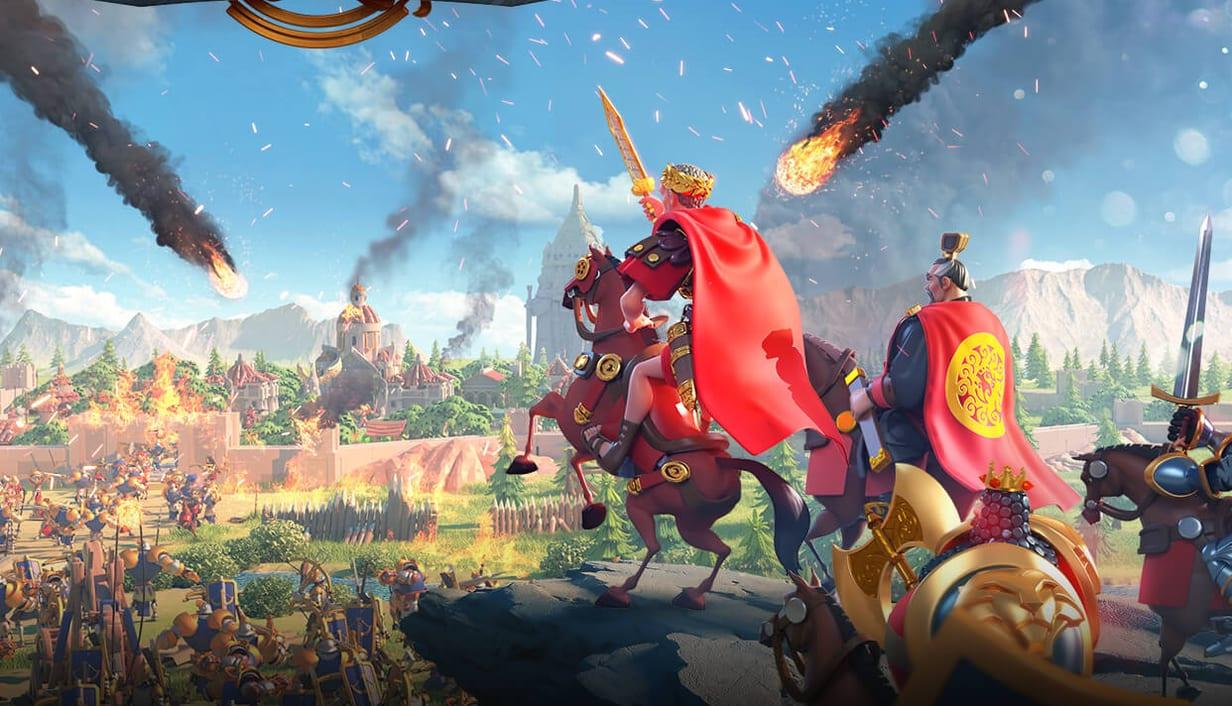
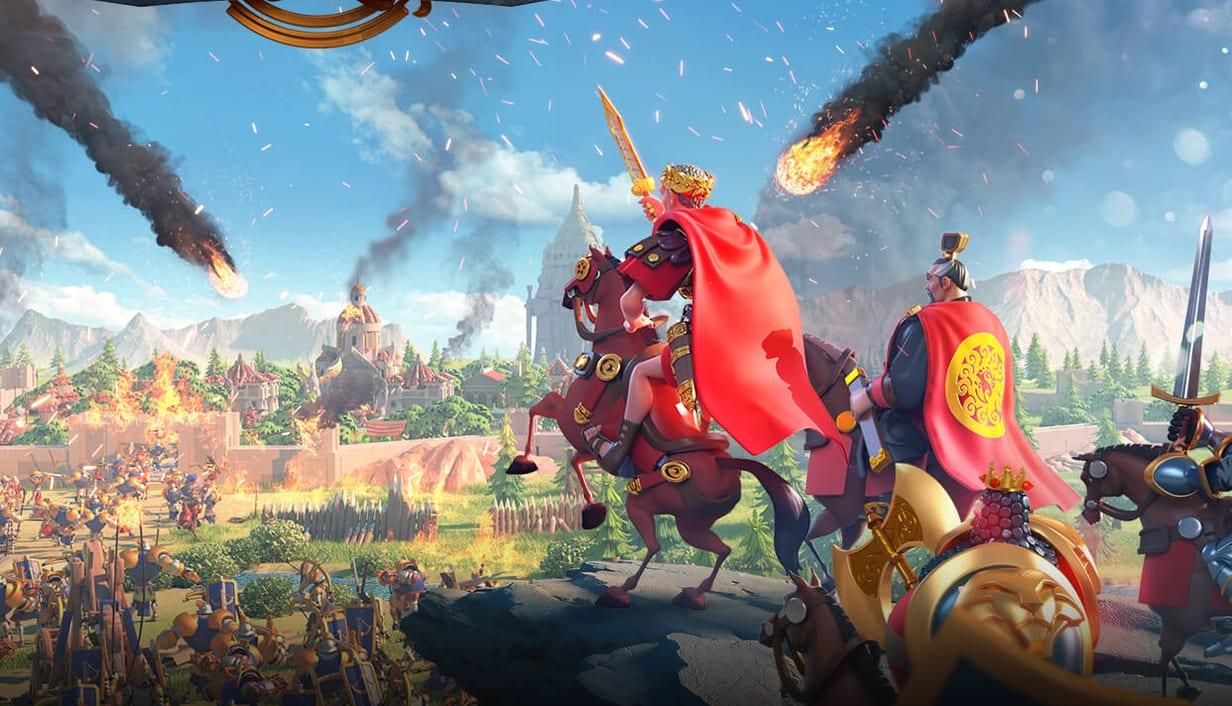
Rise of Kingdoms is a free-to-play strategy game from Lilith Games. It combines city building with real-time battles on a huge shared map, and it has a dedicated PC version available from the official website. If you are coming from classic PC strategy games, it will feel familiar in some ways and very different in others.
Choosing a civilization
Your first decision is your civilization. Each one comes with its own bonuses, a special unit and a starting commander. Early on, the choice affects how you play – some civilizations favor infantry, others cavalry or archers, and some lean toward economy or defense.
You can change civilizations later, so don't worry too much about getting it perfect on day one.
Commanders lead your armies
Armies are led by commanders, many of them inspired by historical figures such as Sun Tzu and Joan of Arc. Each commander has skills and a talent tree that you shape as they level up.
A strong commander pairing – a primary and a secondary commander leading the same army – can matter more than the size of the army itself.
A real-time, seamless world
One of the game's signature features is the seamless map. You can zoom out from your city to the kingdom map without loading screens, and armies move in real time. You can redirect a march mid-route, retreat from a losing fight or join an ally's battle as it happens.
Alliances are everything
Rise of Kingdoms is designed around alliances. Joining an active one gives you:
- Help speeding up construction and research
- Shared territory and resource buildings
- Coordinated rallies against stronger targets
- Access to alliance events and rewards
For new players, finding an active alliance early is the single most useful step.
Kingdom vs Kingdom
As your kingdom matures, it takes part in Kingdom vs Kingdom (KvK) events, where entire servers compete on a shared map. KvK is the game's large-scale endgame and the reason many players invest in long-term planning.
Beginner tips
- Keep your builders busy. Construction and research queues should rarely be idle.
- Gather constantly. Resources fuel everything, so keep armies gathering when they are not fighting.
- Focus on a few commanders. Leveling too many at once slows your progress.
- Use peace shields wisely. They protect your city when you are offline in the early game.
Getting started on PC
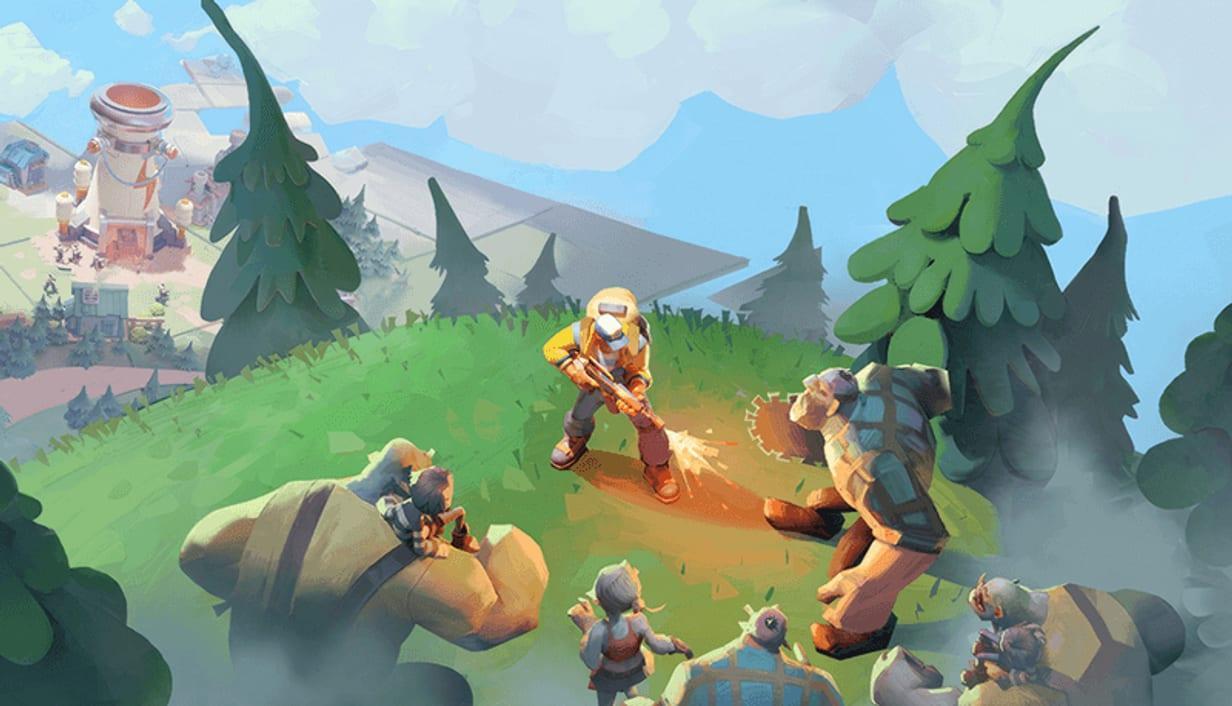
The PC version is a good fit for a game with this much map management and alliance chat. Visit our Rise of Kingdoms game page for details. If you like the idea of base building with a survival twist, Tiles Survive is worth a look too.